

How I added AI-powered summarization and translation to every blog post using Chrome's Built-in AI APIs running entirely on your device.

AI Features — experimental
Summarize or translate this post using AI running entirely on your device. No data leaves your browser.
Requires Chrome with Built-in AI APIs enabled.
If you’re reading this on Chrome with the right settings, you may have noticed a small ”✦ AI Features — experimental” banner at the top of this post. Click it and you’ll find buttons to get a TL;DR, extract key points, or translate the post into your language, all without a single byte leaving your browser.
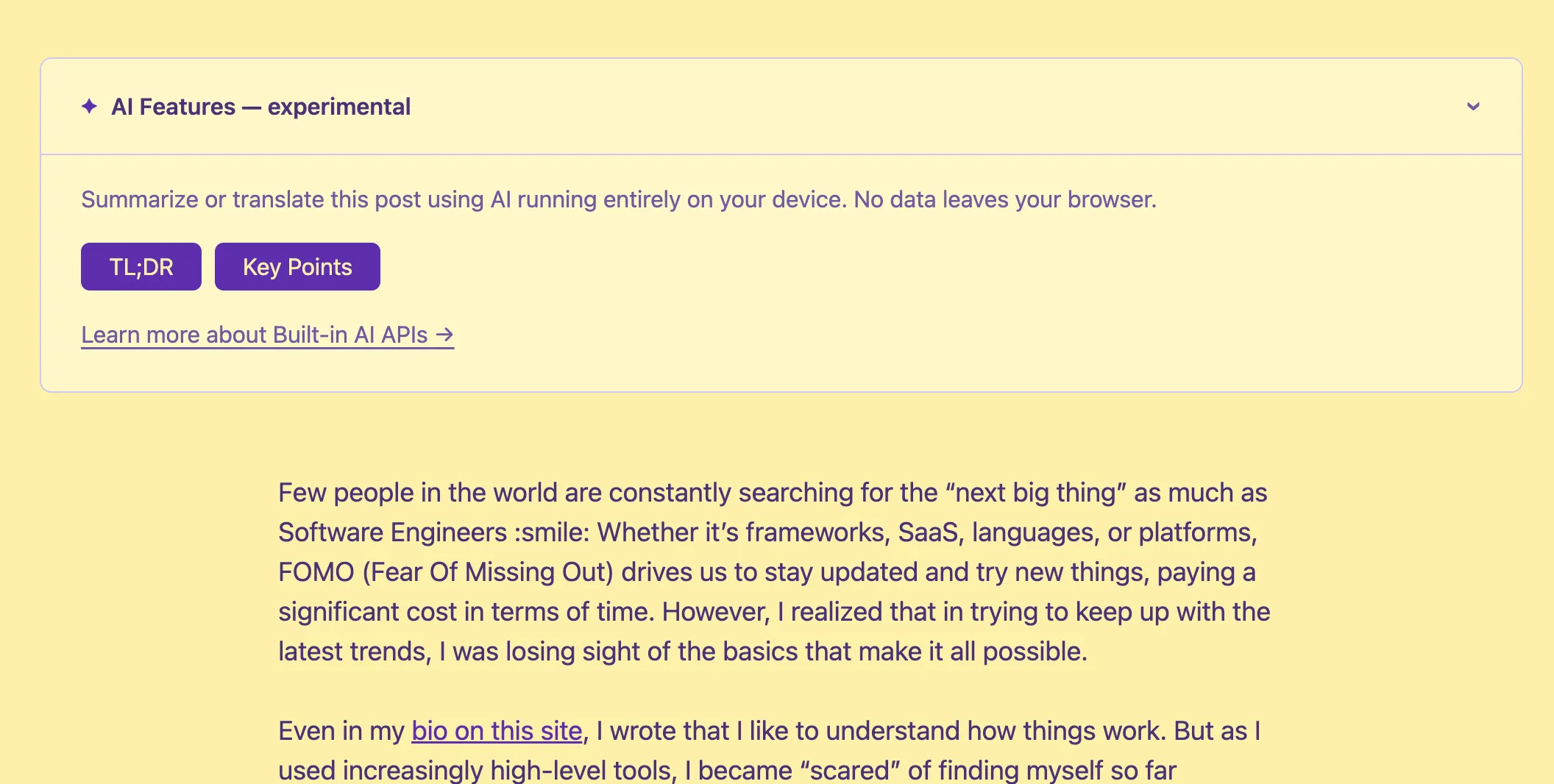
No API key nor costs. No server round-trip. No privacy trade-off.
This is Chrome’s Built-in AI APIs: small on-device models shipped with the browser, exposed through a native JavaScript API. I spent my evening integrating them into this blog after being inspired by this talk at WebDay by Valerio Como.
This post covers what I learned.
What Are Chrome’s Built-in AI APIs?
Chrome 138+ ships with Gemini Nano — a small, efficient language model that runs locally on your machine. Google exposes it through a set of JavaScript APIs:
- Summarizer API — summarize text as TL;DR, key points, a teaser, or a headline
- Translator API — translate between language pairs using local models
- Language Model API (Prompt API) — general-purpose text generation
- Writer / Rewriter APIs — draft and refine text
All of these are experimental. They’re behind flags in Chrome, require downloading a model component, and the API surface is still evolving. But they’re real, they work, and they’re genuinely useful.
Feature Detection: The Right Way
The first thing I got wrong was the detection. I assumed the APIs would live on window.ai, like early drafts of the spec suggested. They don’t — at least not in Chrome 138+. The actual globals are:
'Summarizer' in self   // true if Summarizer API is available
'Translator' in self   // true if Translator API is available
'LanguageModel' in self // true if Prompt API is available
Each API also has an availability() method that tells you whether the model is ready:
const status = await Summarizer.availability({ outputLanguage: 'en' });
// → 'available' | 'downloadable' | 'downloading' | 'unavailable'available— model is ready, use it nowdownloadable— device is capable, model not yet downloaded; callingcreate()will trigger downloaddownloading— download in progressunavailable— device doesn’t meet requirements or feature is disabled
Crucially: always pass outputLanguage to availability() too, not just to create(). Chrome will warn in the console if you don’t.
Summarization
The Summarizer API takes text and returns a summary as a ReadableStream. You create a summarizer with a specific type and format:
const summarizer = await Summarizer.create({
  type: 'tldr',          // 'tldr' | 'key-points' | 'teaser' | 'headline'
  format: 'plain-text',  // 'plain-text' | 'markdown'
  length: 'medium',
  outputLanguage: 'en',
});

const stream = summarizer.summarizeStreaming(text);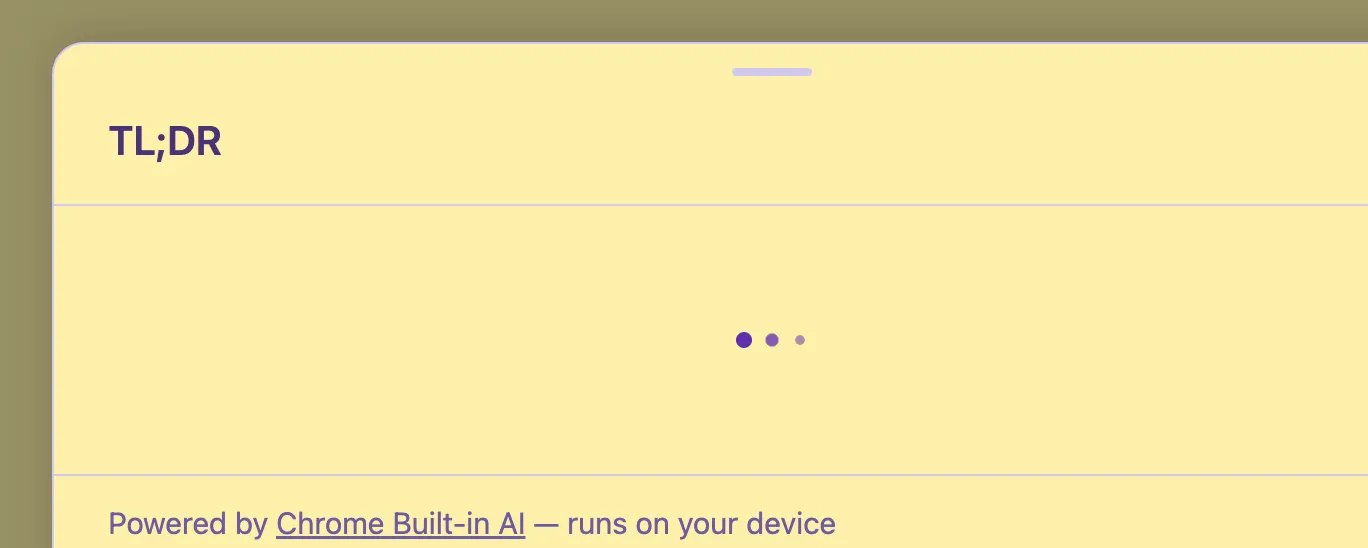
One gotcha I hit: the type value is 'tldr' (no semicolon, no dash). Early documentation used 'tl;dr' but that throws a TypeError in Chrome 146. The enum changed. Always check the current Summarizer API docs.
For key points, I use format: 'markdown' since the output is a bulleted list — rendering it as plain text loses the structure. For TL;DR, plain text is fine.
Translation
The Translator API works similarly. Check availability for a specific language pair, create a translator, and stream the result:
const isTranslationModelAvailable = await Translator.availability({
  sourceLanguage: 'en',
  targetLanguage: 'fr',
});

if (isTranslationModelAvailable) {
  const translator = await Translator.create({
    sourceLanguage: 'en',
    targetLanguage: 'fr',
  });
  const stream = translator.translateStreaming(text);
}
The Translator works at a sentence level. Each chunk it emits is a translated sentence — a delta, not a full updated text. This matters for how you render the stream.
Streaming: Replace vs. Append
This is where I got burned. The two APIs have different streaming semantics — or at least they did at the time I was building this:
- Summarizer used to emit the full accumulated text on each chunk (replace mode)
- Translator emits sentence deltas (append mode)
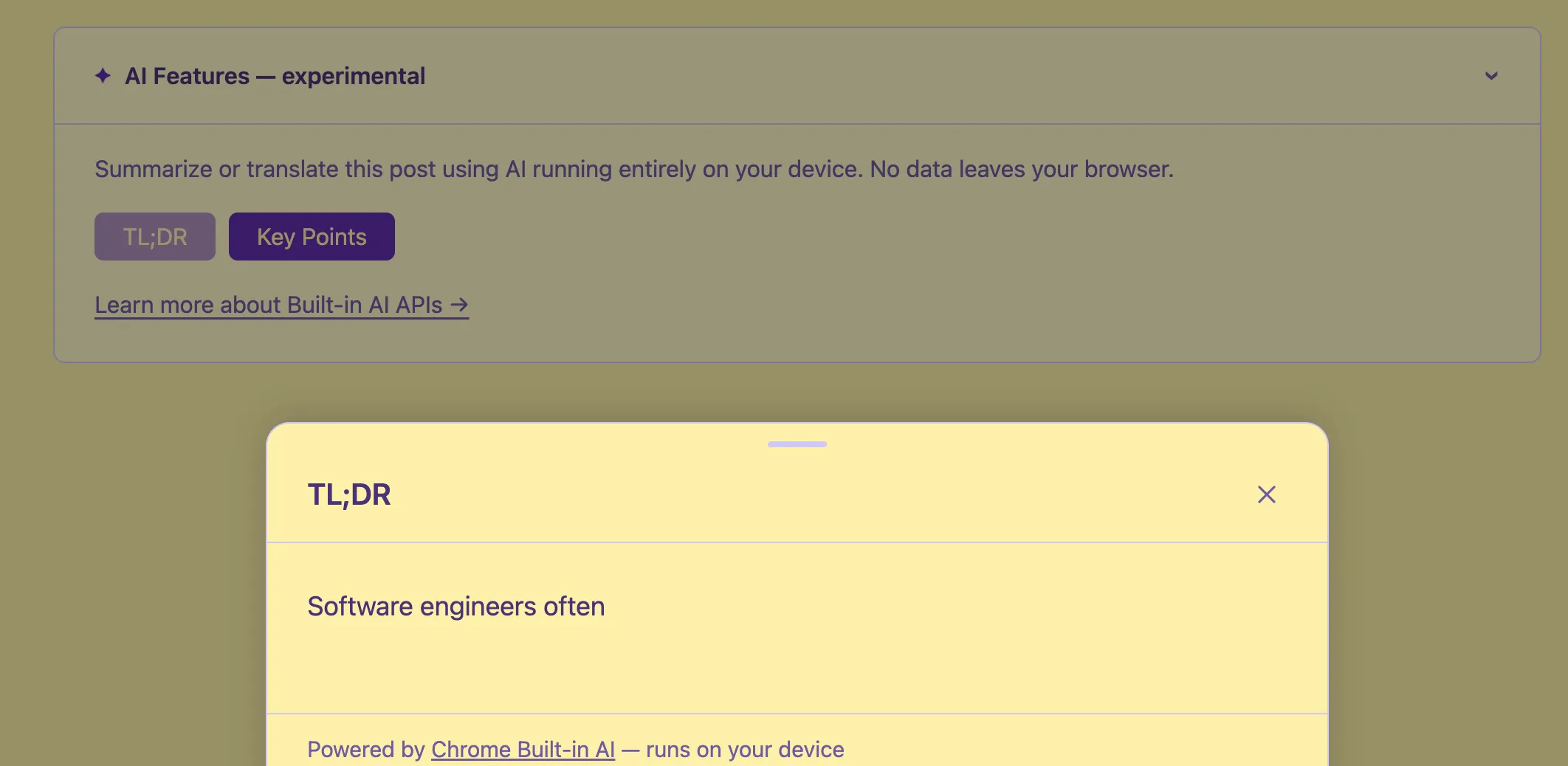
But in my testing with Chrome 146, the Summarizer also switched to emitting deltas. So I ended up using append mode for both: accumulate each chunk and re-render:
let accumulated = '';
for await (const chunk of stream) {
  accumulated += chunk;
  renderMarkdown(accumulated);
}
If you see only the last sentence in your output, you’re probably replacing when you should be appending.
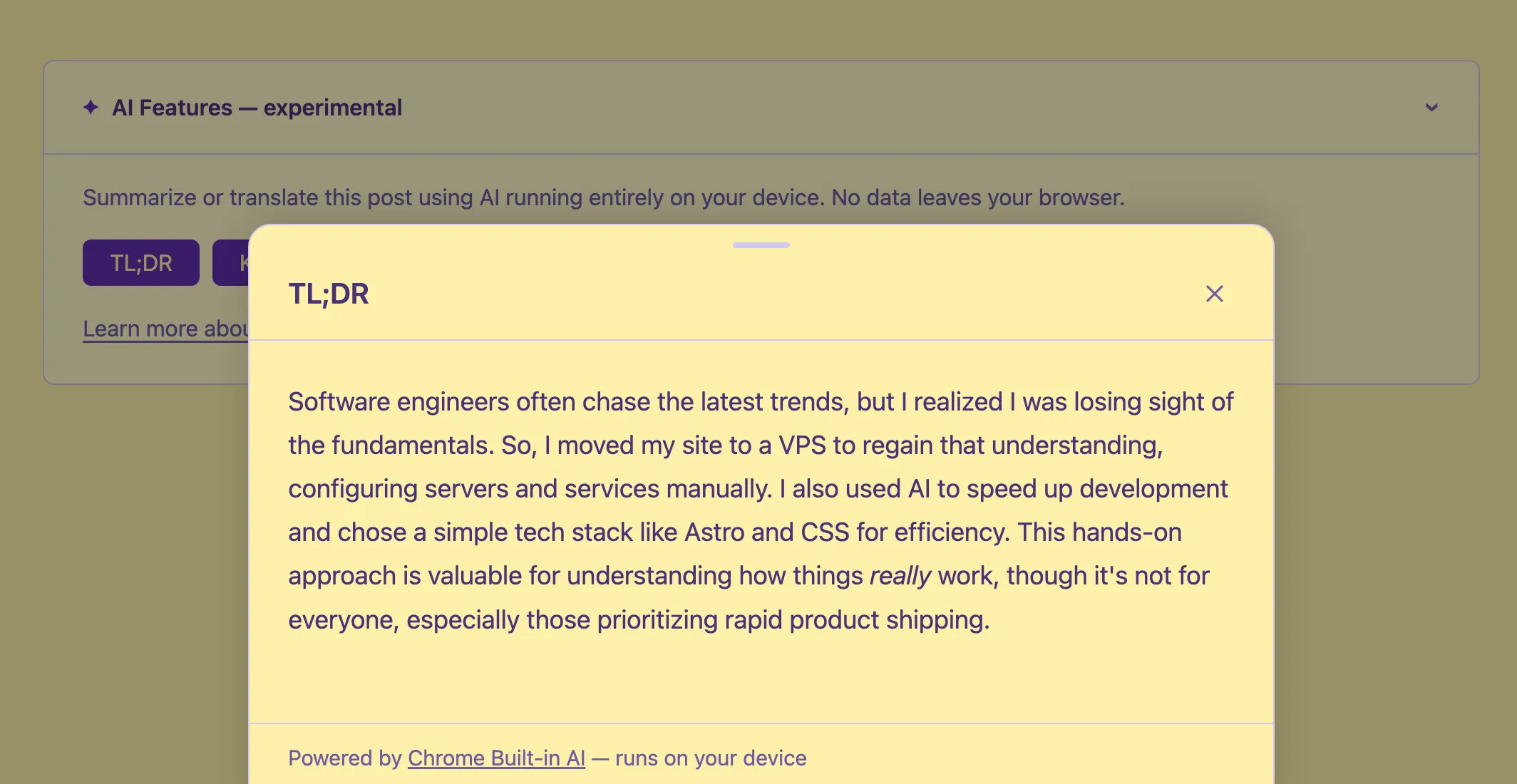
The UI: Bottom Sheet + Callout
I built two components:
BuiltInAICallout.astro — a collapsible <details> element at the top of every post. It detects available features on page load and shows only the relevant buttons. If nothing is available (Firefox, Safari, older Chrome), it hides itself entirely — no trace in the UI.
BuiltInAIBottomSheet.astro — a slide-up panel that shows streaming AI output. It uses marked to render markdown, auto-scrolls as content arrives, and closes on Escape, backdrop click, or the X button.
A subtle CSS bug I hit: the loading animation used display: flex, which overrides the HTML [hidden] attribute. The fix:
.loading[hidden] { display: none; }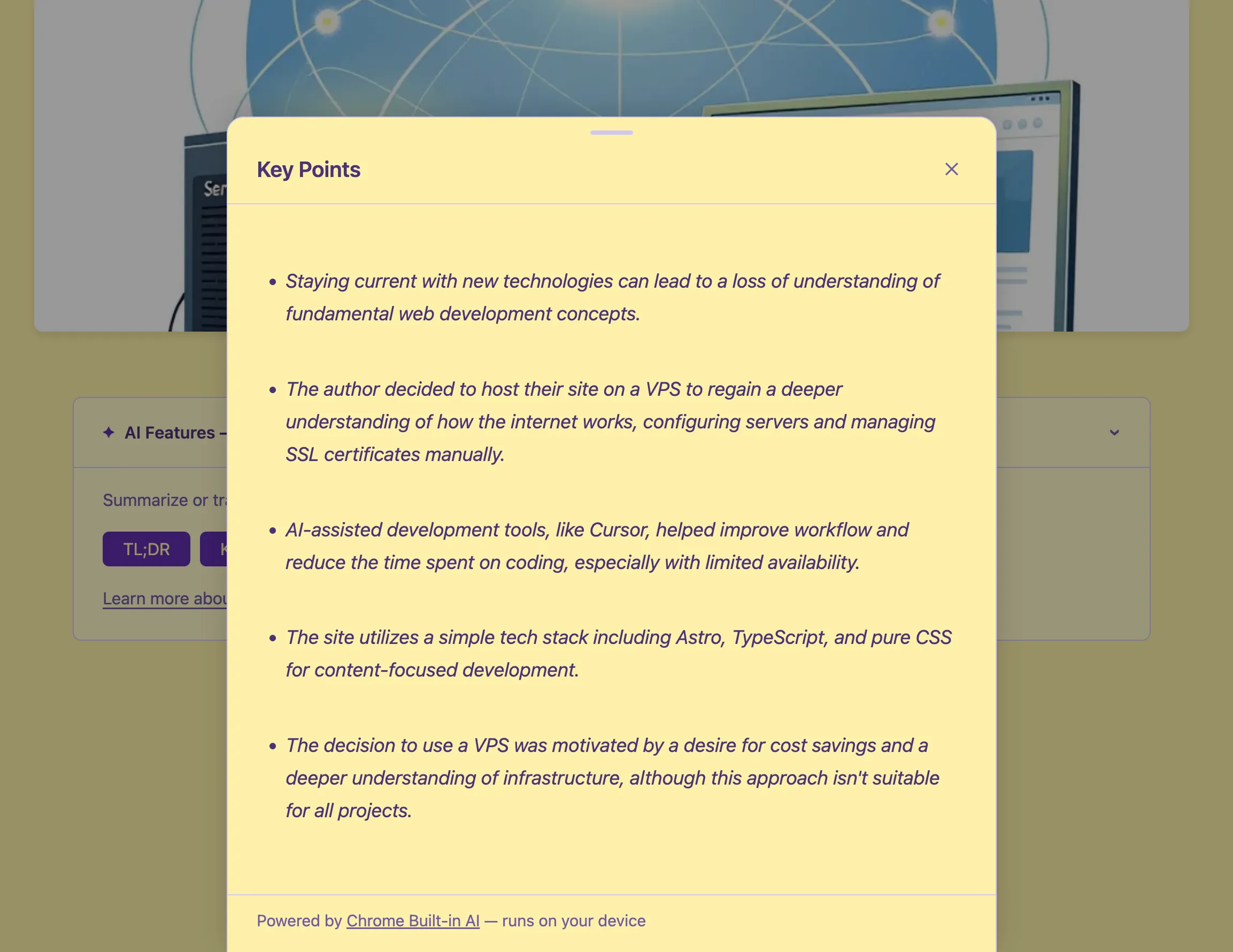
Privacy
This is the part I find most compelling. The entire feature works offline after the model is downloaded. No request leaves the browser. No text is sent to any server.
The downside: it only works in Chrome, and requires the user to have the Gemini Nano model downloaded. The APIs return 'unavailable' in Firefox, Safari, and any Chrome without the model. My callout handles this gracefully — it hides itself entirely when nothing is available.
What I Learned
The API surface is still moving. The 'tl;dr' → 'tldr' rename caught me off guard. Streaming behavior changed between Chrome versions. Treat these as genuinely experimental.
Feature detection must be granular. Don’t assume Summarizer and Translator are always both available. A user might have one model downloaded but not the other. Design your UI to handle every combination.
On-device AI is slower than cloud AI. Gemini Nano is not a “normal” LLM. It’s a small model optimized for device inference. The summaries are good, the translations are decent, but don’t expect the same quality as a frontier model. For the use case here — an optional reader aid — it’s more than enough.
The privacy story is genuinely strong. For anyone building features where data sensitivity matters, on-device inference is a real option now, not a research project.
The full implementation is open source — you can browse the components and utility module on GitHub.